


Description
Download Baidu Browser – Fast, Free Chromium‑Based Browser with Built‑in Media Tools
Overview
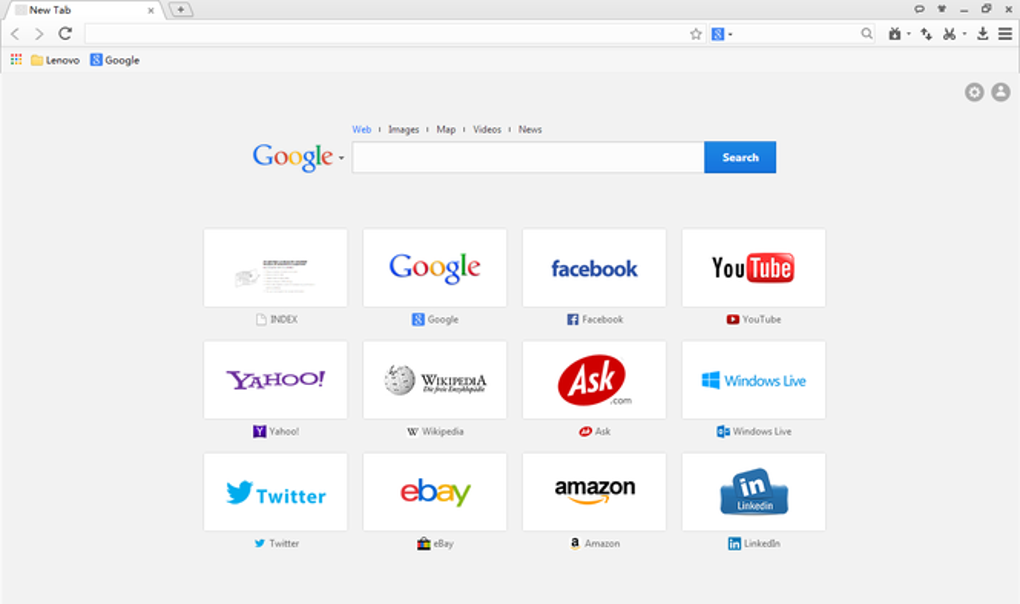
Baidu Browser is a free, Chromium‑based web browser that blends the familiarity of Google Chrome’s engine with a set of handy, built‑in utilities. Powered by the same Blink rendering core, it delivers quick page loads, smooth scrolling, and full compatibility with modern web standards. What makes Baidu Browser stand out is its customizable skin system, which lets users personalize the look and feel without diving into complex theme managers. The interface stays uncluttered, offering a shallow learning curve for Chrome veterans while still feeling fresh for newcomers.
Beyond basic surfing, Baidu Browser integrates a media downloader, screenshot tool, and a torrent assistant directly into the sidebar, turning the browser into an all‑in‑one solution for everyday web activities. Security‑focused users will notice a revamped built‑in Virus Scanner and an Adware Blocker that attempts to keep malicious scripts at bay. However, the browser has faced criticism over past privacy concerns, especially regarding unencrypted data transmission for users outside China. While Baidu has patched several vulnerabilities, a degree of skepticism remains.
For light, non‑personal browsing—such as casual video streaming, quick downloads, and web research—Baidu Browser offers a compelling free alternative to premium browsers that charge for similar features. Its balance of speed, customization, and integrated tools makes it a solid choice for anyone seeking a fast, feature‑rich browser without the price tag.
Feature Set & Built‑in Tools
- Chromium Engine: Guarantees compatibility with the latest HTML5, CSS3, and JavaScript standards.
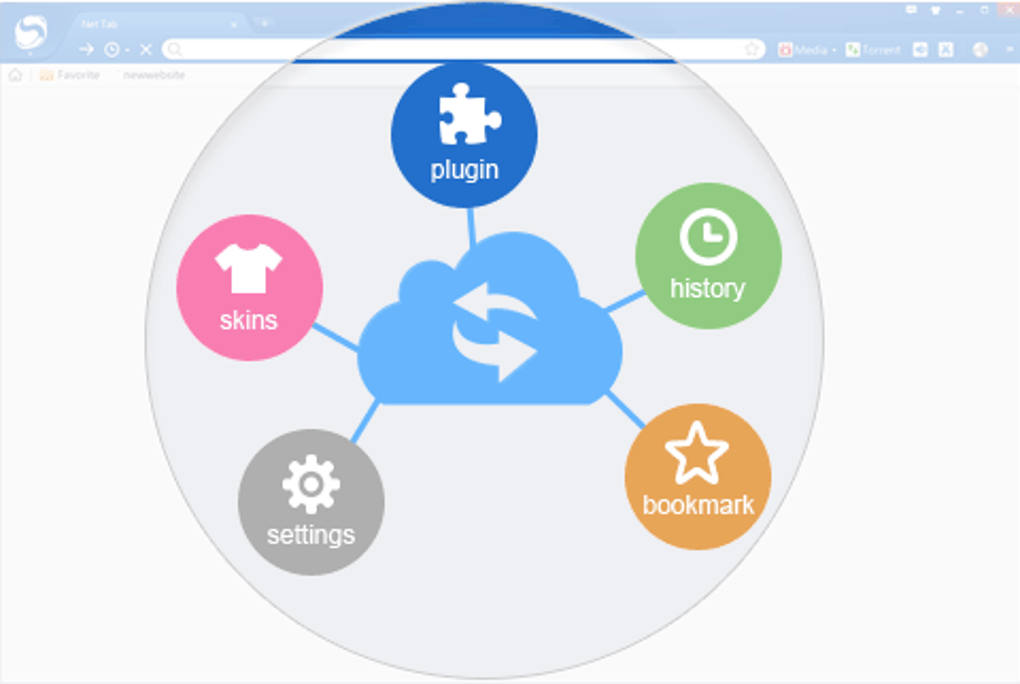
- Customizable Skins: Change the browser’s appearance instantly with a variety of pre‑installed themes or create your own.
- Media Downloader: One‑click video and audio extraction from popular streaming sites, right from the toolbar.
- Screenshot Utility: Capture full‑page or selected area screenshots without third‑party extensions.
- Torrent Assistant: Simple sidebar for adding magnet links and managing downloads without leaving the browser.
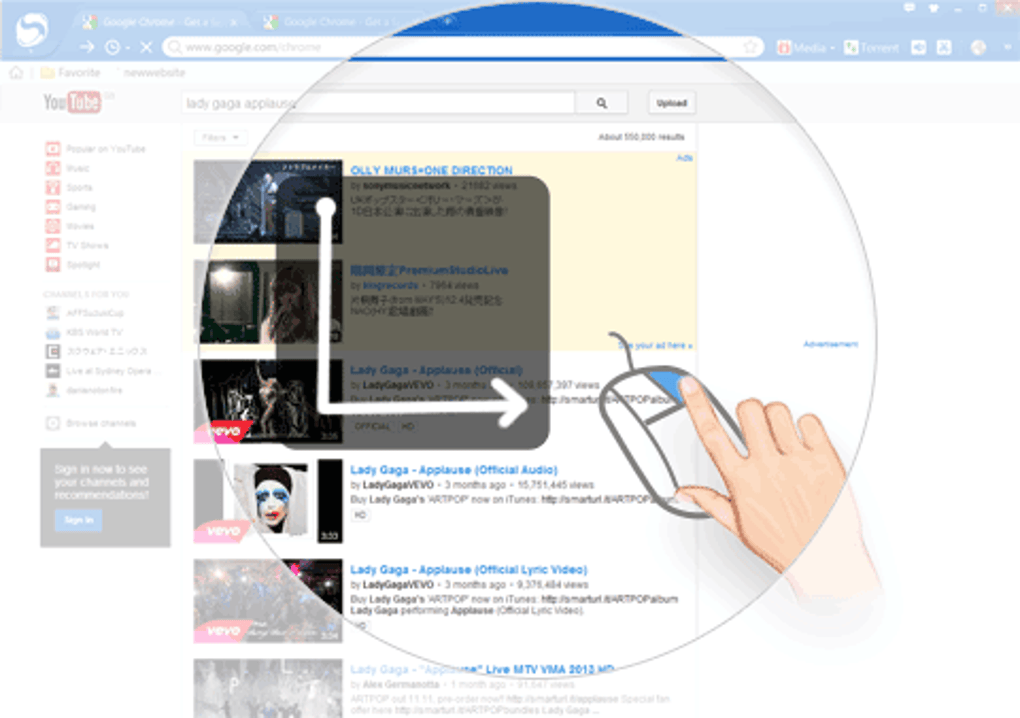
- Mouse Gesture Navigation: Perform common actions—back, forward, reload—using intuitive mouse gestures.
- Tab Muting: Mute all open tabs with a single click, perfect for noisy environments.
- Built‑in Virus Scanner & Adware Blocker: Scans downloaded files and blocks intrusive ads to improve safety.
- Sidebar Toolbox: Quick access to media tools, bookmarks, and a built‑in search engine.
- Import Bookmarks: Seamlessly import bookmarks from Chrome, Firefox, or Edge for a smooth transition.
Each of these features is designed to reduce the need for additional extensions, keeping the browser lightweight while still providing powerful capabilities. For example, the Media Downloader eliminates the hassle of searching for third‑party download sites, and the screenshot tool offers instant visual capture for research or social sharing. The mouse gesture system can shave seconds off daily navigation, especially for power users who spend hours browsing. Combined, these tools make Baidu Browser a productivity‑enhancing platform rather than just a gateway to the internet.
Installation, Usage & System Compatibility
Downloading Baidu Browser is straightforward. Visit the official Baidu website, click the “Download for Windows” button, and the installer (approximately 70 MB) will start. During installation, a wizard guides you through typical steps: accepting the license agreement, choosing an install folder, and optionally selecting additional bundled software. Users should pay close attention to the “Custom Install” option to deselect any unwanted toolbars or trial programs that may be offered as part of the bundle.
Once installed, the first launch presents a clean welcome screen with an optional skin selector. Users can pick a default theme or explore the “Skin Store” for more visual customization. Importing existing bookmarks is a one‑click process via the Settings → Import section. Although Baidu Browser allows bookmark import, it currently lacks an export function, which could be a limitation for users who want to migrate away later.
In terms of system requirements, Baidu Browser runs smoothly on the following operating systems:
- Windows 10, 8.1, 8, 7 (64‑bit recommended)
- macOS 10.13 and later (via unofficial builds; primary support is Windows)
- Android 5.0 and higher (mobile version with similar features)
- iOS 11 and higher (limited to web view, but core features remain)
The browser’s memory footprint is comparable to Chrome, typically using 200–300 MB of RAM with several tabs open. Its built‑in tools add only a modest overhead, ensuring that performance stays responsive even on modest hardware. Regular automatic updates keep the engine and security components current, and users can manually trigger an update from the “About” page if they prefer immediate patches.
Pros, Cons, FAQ & Final Verdict
Pros
- Free, no subscription required.
- Fast Chromium engine ensures quick page loads.
- Integrated media downloader and screenshot tool reduce reliance on extensions.
- Customizable skins give a personalized browsing experience.
- Mouse gestures speed up navigation for power users.
- Built‑in virus scanner and adware blocker enhance security.
Cons
- Past privacy concerns and reports of unencrypted data transmission.
- Installation may suggest optional bloatware; careful selection required.
- Bookmark export is not supported.
- Primary support focuses on Windows; macOS and mobile versions are less polished.
- Some users may find the bundled Chinese search engine intrusive.
Frequently Asked Questions
Is Baidu Browser safe to use for everyday browsing?
Yes, the browser includes a built‑in virus scanner and adware blocker, and it receives regular security updates. However, users concerned about data privacy should be aware of past concerns and may want to enable additional privacy extensions.
Can I export my bookmarks from Baidu Browser?
Currently, Baidu Browser only supports importing bookmarks from other browsers. Export functionality is not available, so users planning to switch browsers later should manually copy their bookmarks.
Does the browser work on macOS and Linux?
Official support is limited to Windows. Unofficial builds exist for macOS, but Linux users will need to rely on alternative Chromium forks or run the Windows version through compatibility layers.
How does the built‑in video downloader handle copyrighted content?
The downloader works on publicly accessible streams. Users should respect copyright laws and only download content they have permission to use.
Will Baidu Browser slow down my PC over time?
Because it shares the same efficient engine as Chrome, performance remains stable. Regularly clearing cache and disabling unused extensions helps maintain speed.
Final Verdict
Baidu Browser delivers a fast, free, and feature‑rich browsing experience that rivals many premium alternatives. Its integrated media tools, skin customization, and mouse gestures provide tangible productivity gains, especially for users who prefer an all‑in‑one solution. While privacy concerns and the lack of bookmark export are legitimate drawbacks, the browser’s solid security suite and regular updates mitigate many risks. For light, non‑personal use—such as streaming, quick downloads, and casual web surfing—Baidu Browser stands out as a compelling free option. Users seeking maximum privacy or cross‑platform stability may want to explore other browsers, but for those who value speed, customization, and built‑in utilities without paying a subscription, Baidu Browser is well worth a download.
Download Baidu Browser now and experience a faster, more versatile web browsing session.
Guides & Tutorials for Baidu Browser
How to install Baidu Browser
- Click the Preview / Download button above.
- Once redirected, accept the terms and click Install.
- Wait for the Baidu Browser download to finish on your device.
How to use Baidu Browser
This software is primarily used for its core features described above. Open the app after installation to explore its capabilities.
User Reviews for Baidu Browser 0
No reviews found





